

Connect via HTTP using cURL
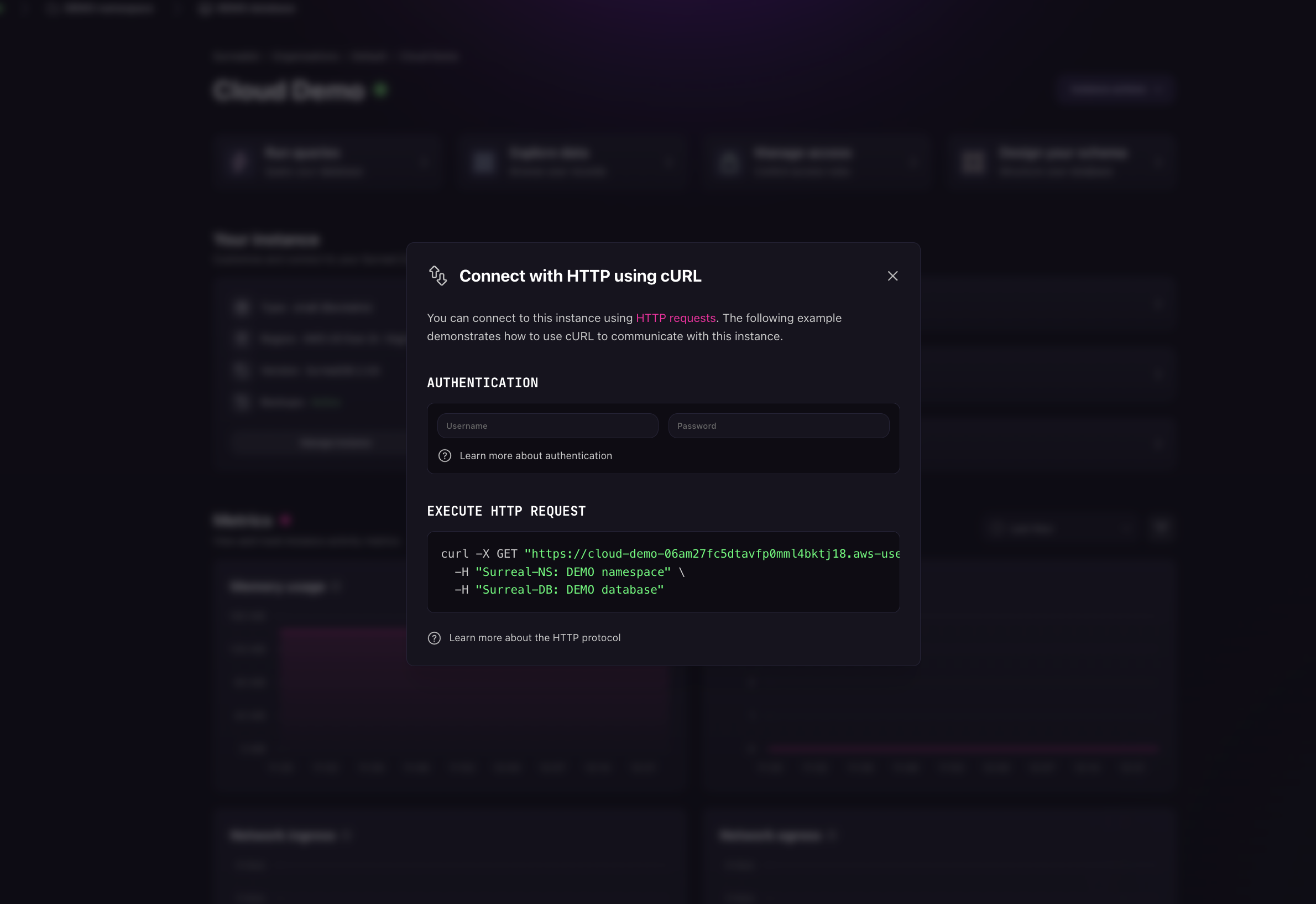
SurrealDB Cloud supports connection via HTTP. This allows you to connect to your SurrealDB Cloud Instance using curl or any HTTP client. To get started, select the Connect button on your Instance. Then select HTTP cURL.
Note
Connect to your SurrealDB Cloud Instance
Once you have filled in the credentials, copy the URL and connect to your SurrealDB Cloud Instance. Below is an example of the connection URL in curl.